
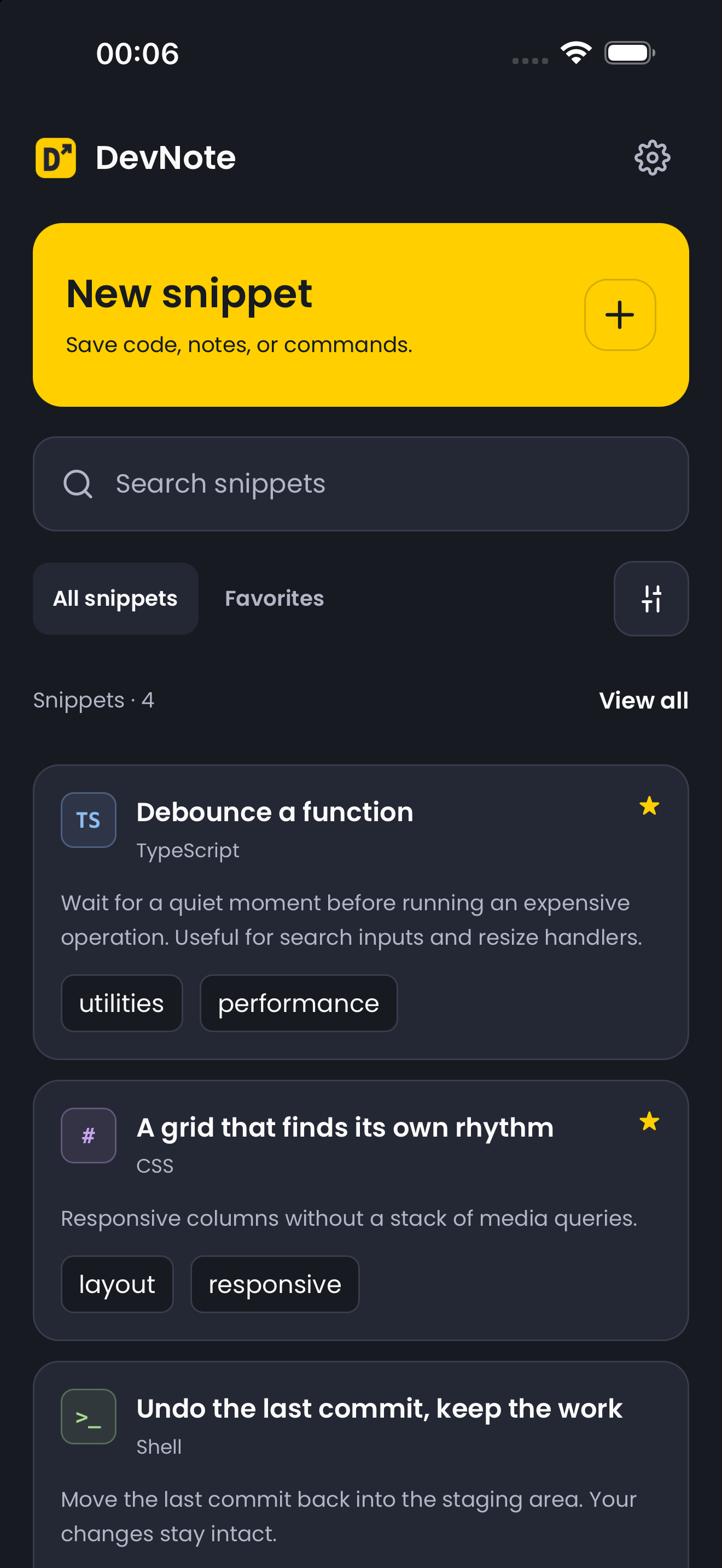
Find it without the digging.
Search your notebook, filter by language, or go straight to your favorites. Tags keep related snippets together.
</> THE CODE SNIPPET NOTEBOOK
Save useful code, commands, and the context behind them. Organize your snippets and find them when you need them.
iOS release in review. Downloads open after Apple’s approval.
LESS SETUP. MORE USEFUL.
From a one-line command to a reusable function. Keep the details together.
Search your notebook, filter by language, or go straight to your favorites. Tags keep related snippets together.
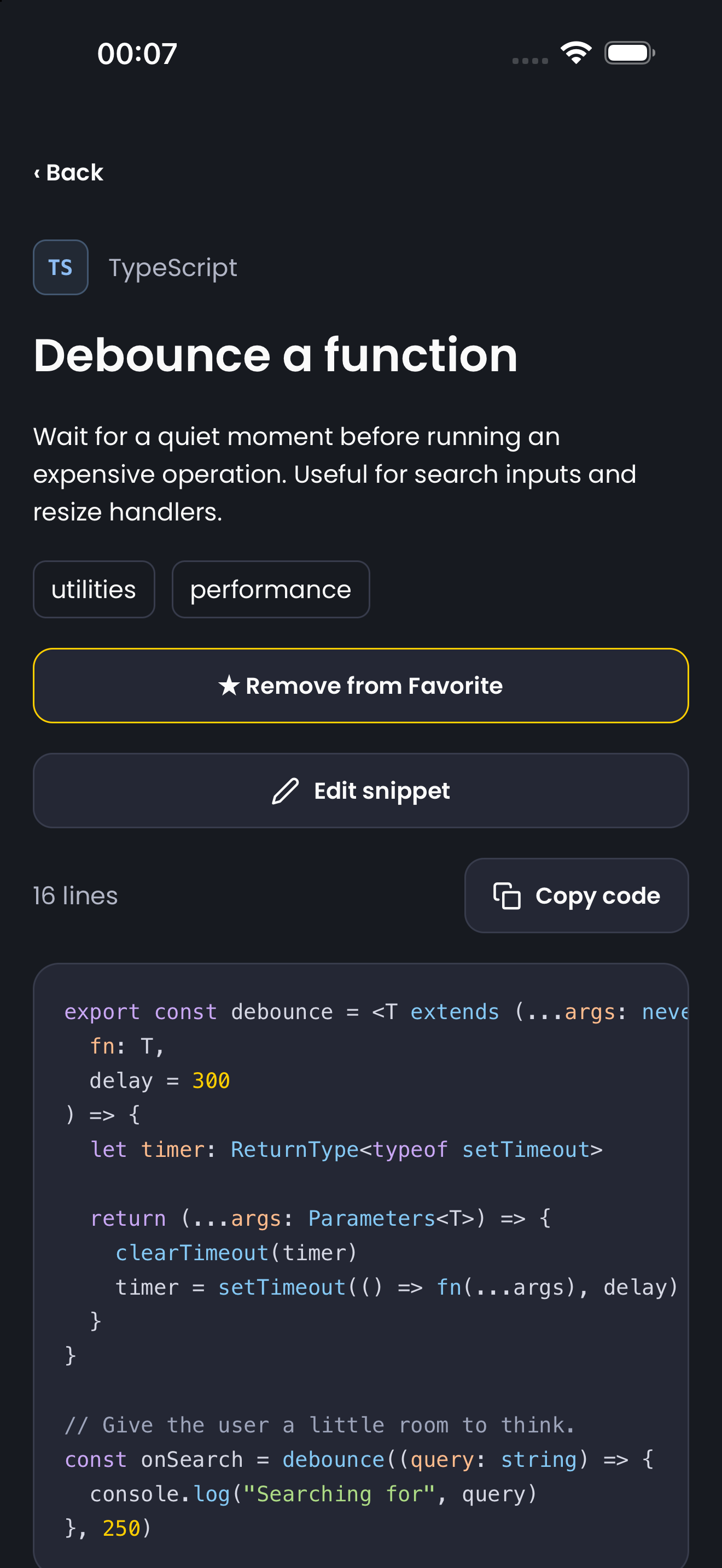
Syntax highlighting and language icons make snippets easy to scan. Copy the code with a tap.
const usefulCode = {
  saved: true,
  readyToCopy: true
};Add a description, up to five tags, and one file attachment up to 6 MB. The explanation belongs next to the code.
ON YOUR DEVICE
Your snippets and attachments are stored locally. No ads, no tracking, and no subscriptions. Just open DevNote and start writing.
Each installation has its own notebook. Cloud sync and cloud backup are not included.
Read the privacy policySTART WITH A SNIPPET
Try the four included examples or add your own.
Available in English and Spanish.
iOS release in review. Downloads open after Apple’s approval.
Find setup tips and answers, or get in touch.